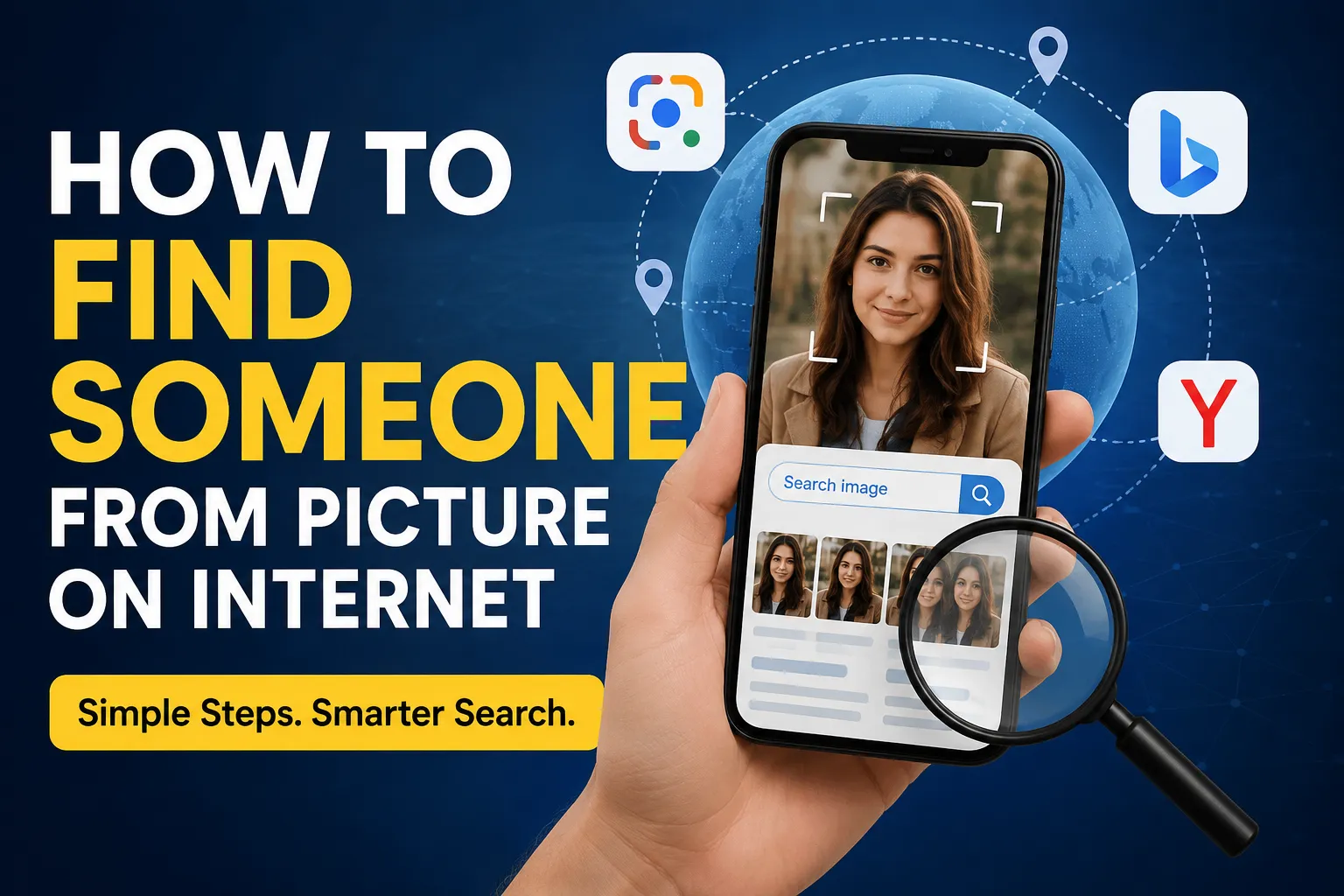
Have you ever come across a photo online and wondered who the person in it is? Maybe you found an old photograph, saw someone in a social media post, or received an image without any context. In many cases, the internet can help you discover where a picture came from and, sometimes, find publicly available information connected to it.
The easiest approach is usually reverse image search. Instead of searching with words, you upload an image and let a search engine look for visually similar images and webpages.
What Is Reverse Image Search?
Reverse image search is a technology that allows you to search the internet using an image rather than text.
For example, if you have a photograph of someone, you can upload it to a visual search service. The service may return:
- Similar or identical images
- Websites where the image appears
- Social media pages containing the image
- News articles or blog posts using the image
- Related visual information
Keep in mind that a reverse image search does not guarantee that it will identify the person. Results depend on whether the photograph, or similar versions of it, are publicly available online.
1. Try Google Lens
Google Lens is one of the simplest tools for searching with an image.
To use it, open Google Lens and upload the photograph or select an image from your device. Lens analyzes the image and may show visually similar results and webpages containing related images.
For better results, try cropping the picture so that the relevant subject is clearly visible. If the image contains several people, a tighter crop may help you search for the particular person or object you’re interested in.
2. Use Bing Visual Search
Bing also provides visual search capabilities. You can upload an image and see webpages and images that Bing considers visually related.
This can be useful when Google doesn’t return useful results because different search engines have different indexes and ranking systems.
Try searching the same photograph on more than one service rather than relying on a single result.
3. Try Yandex Images
Yandex Images is another reverse-image-search option that can sometimes produce different results from Google or Bing.
Upload your image and review the visually similar results. You may discover another copy of the photograph, a profile containing the image, or a webpage that provides additional context.
Results vary depending on the image and how widely it has been published online.
4. Look for Clues Inside the Picture
Reverse image search isn’t the only method. Examine the photograph carefully for useful clues.
Look for:
- Usernames or profile names
- Signs and business names
- Logos
- Event names
- Locations
- Clothing or team logos
- Watermarks
- Dates
- Captions
- Text in the background
If you find a username, for example, searching that username may be more effective than searching the person’s face.
Similarly, if the picture was taken at a public event, searching the event name along with a date or location may help you find the original post.
5. Search the Image on Multiple Platforms
Different websites have different collections of publicly indexed images. If you don’t find anything with one service, try another.
A useful workflow is:
Google Lens → Bing Visual Search → Yandex Images → regular web search
Compare the results rather than assuming that the first match is correct.
6. Find the Original Source
Sometimes your goal isn’t necessarily to identify the person. You may simply want to discover where the photograph originally came from.
If you find several copies of the same image, compare:
- Upload dates
- Image quality
- Captions
- Usernames
- Website information
- Surrounding text
The earliest or most authoritative source may provide useful context about the photograph.
7. Improve Your Search by Cropping the Image
A full photograph can contain distracting information. Try making several crops and searching them separately.
For example, you could search:
- The entire photograph
- The person
- A logo or piece of clothing
- Text visible in the background
- A distinctive landmark
Different crops can produce completely different search results.
Can You Identify Anyone from a Photograph?
Not necessarily.
If a photograph has never been published publicly, a reverse image search may have nothing useful to return. Search engines generally cannot magically reveal the identity of an unknown person simply because their face appears in a photograph.
You are more likely to find useful information when the image has already appeared on publicly accessible websites, social media pages, news articles, forums, or other indexed sources.
What About Social Media?
If you have legitimate reason to believe that a photograph came from social media, you can search for publicly available copies of the image or distinctive information associated with it.
For example, a visible username, event name, or caption can be searched directly.
Avoid attempting to access private accounts, bypass privacy settings, or collect sensitive personal information about someone.
Privacy and Ethical Considerations
Finding the source of an image is different from investigating a person’s private identity.
If the photograph belongs to a private individual, be careful about how you use information you discover. Don’t publish someone’s private information, attempt to track their location, impersonate them, or use search techniques to harass or stalk them.
A good rule is to limit your search to publicly available information and legitimate purposes.
What If Reverse Image Search Doesn’t Work?
Don’t give up immediately. Try changing your approach.
You can:
- Crop the image differently
- Search visible text
- Search a username
- Search the location
- Search the event or organization
- Try another reverse-image service
- Look for the original uploader
- Search distinctive objects or landmarks in the photograph
Sometimes the person isn’t searchable, but the context surrounding the photograph is. That context can lead you to the original webpage or post.
Final Thoughts
If you’re wondering how to find someone from a picture on the internet, reverse image search is usually the best place to start. Tools such as Google Lens, Bing Visual Search, and Yandex Images can help you discover matching or visually similar images and locate webpages where a photograph has appeared.
However, these tools aren’t guaranteed to identify a person. The best results usually come from combining image search with ordinary web searches for usernames, locations, events, text, and other clues visible in the picture.
Most importantly, use these techniques responsibly. Finding a publicly available image source can be useful, but someone’s privacy should always be respected.