
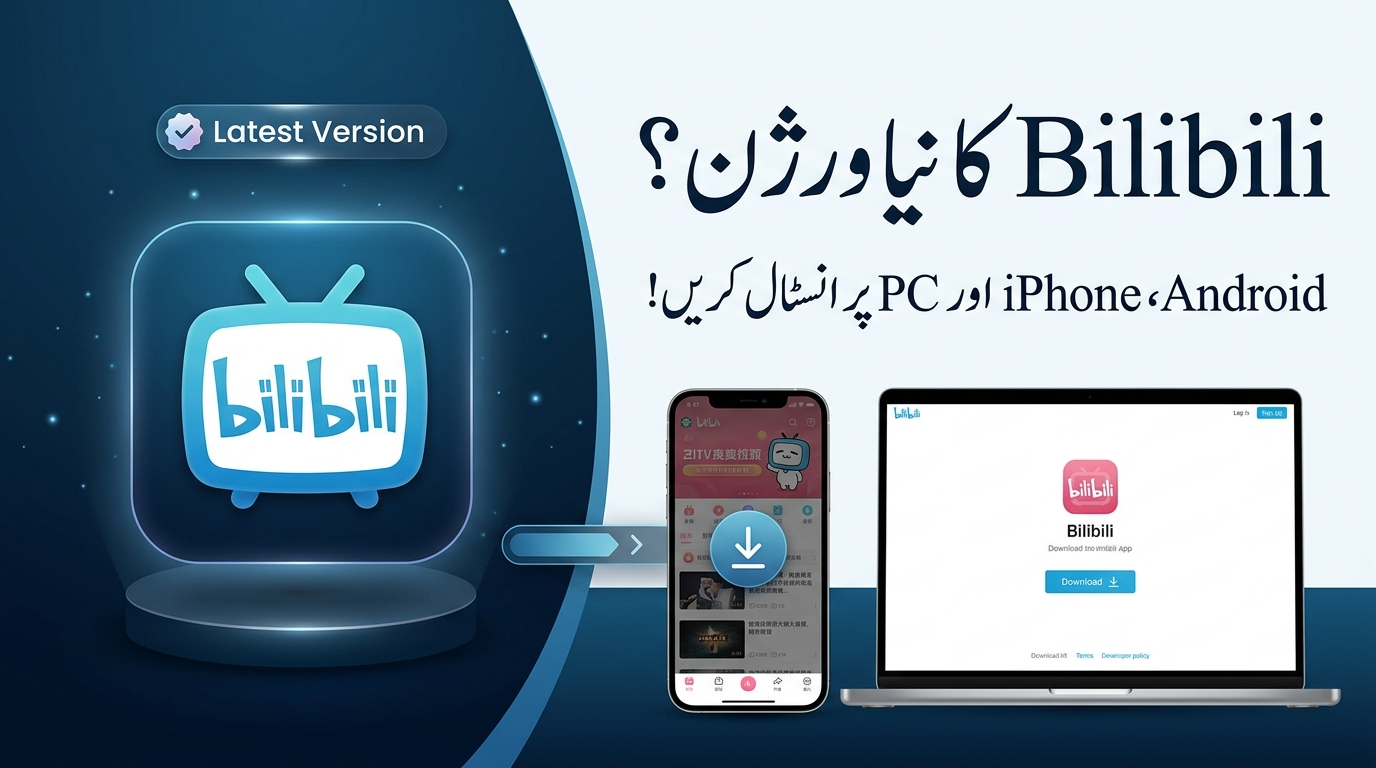
Bilibili has become a popular destination for people who enjoy anime, gaming, technology, entertainment, live content, and creator videos. If you are looking for the Bilibili latest version download, the safest option is to use an official app store or Bilibili’s own download page instead of installing an unknown APK.
In this guide, we explain how to download and update Bilibili on Android, iPhone, iPad, and PC. We also cover common installation problems, APK safety, regional availability, and what to check before installing an app from outside an official store.
Quick answer: Android users can check Google Play, iPhone and iPad users can use the Apple App Store, and PC users can access Bilibili through its official website or available desktop options. Availability can vary by region.
Read Also : Maryam Nawaz E Bikes Portal 2026 – Registration, Eligibility & Latest Updates
What Is Bilibili?
Bilibili is a video and entertainment platform with content covering anime, gaming, technology, music, entertainment, live streams, and user-generated videos.
One of its better-known features is its interactive commenting system, where comments can appear over videos while they are playing. The platform also has creator content and different types of entertainment programming.
Bilibili says that its available content can vary by region, so users in different countries may not see exactly the same videos, features, or services.
How to Download the Latest Bilibili Version on Android
For most Android users, the simplest method is to install Bilibili through Google Play.
Method 1: Install Bilibili from Google Play
Follow these steps:
- Open the Google Play Store on your Android phone or tablet.
- Search for Bilibili.
- Check the developer name and app information.
- Make sure you are selecting the official application.
- Tap Install.
- Wait for the download and installation to finish.
- Open Bilibili and sign in if you already have an account.
The current Google Play listing identifies the developer as BILIBILI INC. and shows a recent update in September 2026. Because app versions can change, checking the live store listing is more reliable than relying on a fixed APK version number in an article.
How to Update Bilibili on Android
If Bilibili is already installed, you normally do not need to download another APK.
To check for an update:
- Open Google Play Store.
- Tap your profile picture.
- Select Manage apps & device.
- Open the available updates section.
- Find Bilibili.
- Tap Update if an update is available.
Updating through Google Play also makes it easier to receive future updates without manually searching for new APK files.
How to Download Bilibili on iPhone and iPad
Apple users can install Bilibili through the App Store where the application is available.
Steps to Install Bilibili on iOS
- Open the App Store.
- Search for Bilibili.
- Check the app name and developer information.
- Tap Get.
- Confirm the installation with Face ID, Touch ID, or your Apple ID password when requested.
- Wait for the installation to finish.
- Open Bilibili from your home screen.
The App Store listing currently identifies Bilibili as a free app with in-app purchases and lists it for iPhone.
How to Update Bilibili on iPhone
If you already have the app:
- Open the App Store.
- Tap your account icon.
- Look for available app updates.
- Find Bilibili.
- Tap Update.
If no update appears, you are either already using the available version or a newer release may not yet be available for your region or device.
How to Use Bilibili on PC
If you want to watch Bilibili on a Windows PC, Mac, or another computer, the easiest option is usually to visit the official Bilibili website through a modern web browser.
You can open the official Bilibili service and sign in to your account when required.
Bilibili also provides an official download page where users can find available app download options.
Why Use the Official Bilibili Website?
Using the official website has several advantages:
- You avoid downloading software from an unknown publisher.
- You can check current official download options.
- You are less likely to install modified software.
- You can access Bilibili without depending on a random third-party installer.
Before installing any desktop software, make sure your operating system and security software are up to date.
Is Bilibili Free to Download?
Yes, Bilibili can be downloaded for free through supported official platforms.
However, free download does not necessarily mean every feature or piece of content is free. Bilibili offers some premium features and content, and availability can depend on the user’s country or region.
For example, Bilibili’s official download page currently promotes features such as higher video quality, offline downloads, and premium benefits.
What Do You Get With the Latest Bilibili Version?
Keeping an app updated can be useful for several reasons.
1. Bug Fixes
Updates can fix problems that caused crashes, playback issues, or other unexpected behavior.
2. Performance Improvements
New releases may improve how an application works on supported devices.
3. New Features
App developers regularly introduce interface changes, new tools, and additional features through updates.
4. Better Compatibility
An updated application may work better with newer versions of Android, iOS, browsers, or other supported software.
5. Security and Stability
Updates can include important security and stability improvements. This is one reason it is better to keep applications updated rather than continuing to use an old version indefinitely.
Should You Download a Bilibili APK?
This is where Android users should be particularly careful.
An APK is the installation package used by Android applications. Installing an APK from outside Google Play is possible, but the source matters.
If Bilibili is available through Google Play or an official Bilibili download page, that should generally be your first choice.
Avoid APK files that claim to provide:
- Free premium features
- Unlimited paid content
- Removed advertisements
- Cracked features
- Unlocked accounts
- Modified functionality
These claims can be a warning sign, particularly when the file comes from an unknown website.
What Should You Check Before Installing an APK?
If you have a legitimate reason to install an APK outside an app store, consider the following:
- Who published the APK?
- Is the source trustworthy?
- Does the file match the expected application?
- Does your security software report anything suspicious?
- Are the requested permissions reasonable?
- Can you verify the application’s publisher or signature?
If you cannot establish where an APK came from, it is safer not to install it.
Why You Should Avoid Modified Bilibili APKs
Modified APKs can be tempting because they may advertise premium features or other changes.
However, unofficial modifications can create additional risks. You may not know exactly what has been changed inside the application, and you may have difficulty receiving normal updates.
For a video and entertainment application that may require an account, using an unofficial modified version can also introduce unnecessary privacy and security concerns.
Our recommendation: use the official Bilibili application whenever it is available for your device and region.
What If Bilibili Is Not Available in Your Country?
App availability can differ between countries and regions.
If you cannot find Bilibili in your local app store, do not immediately download the first APK you find in a search result.
Instead:
- Check Bilibili’s official website.
- Check the official download page.
- Confirm whether the service is supported in your region.
- Check your device and operating system compatibility.
- Avoid unofficial modified versions.
Bilibili itself notes that its content and products can vary from region to region.
Common Bilibili Download and Installation Problems
Bilibili Is Not Showing in Google Play
This can happen because of regional availability, device compatibility, account settings, or changes to the app listing.
First, check the official Bilibili website and Google Play.
The Download Is Stuck
If the download does not start or remains stuck:
- Check your internet connection.
- Make sure you have enough storage space.
- Restart your device.
- Try the download again.
- Check whether Google Play or the App Store is experiencing a service problem.
Bilibili Will Not Install
Check whether:
- Your device has enough free storage.
- Your operating system is supported.
- The download completed correctly.
- You are using the official application.
- Another version of the application is already installed.
If you are attempting to install an APK, verify its source before continuing.
Bilibili Keeps Crashing
Try these basic fixes:
- Update Bilibili.
- Restart your phone or computer.
- Check for operating system updates.
- Free up storage if your device is nearly full.
- Clear the app cache on Android.
- Reinstall the official application if necessary.
Is the Latest Bilibili Version Better Than an Old APK?
In most cases, using the current official version is preferable to keeping an old APK.
Older APKs can miss bug fixes, compatibility improvements, and newer features. They may also stop working correctly after operating system changes.
More importantly, downloading an old APK from an unknown website can make it difficult to verify whether the file is genuine.
For this reason, we recommend checking the official app store or Bilibili’s official download page instead of relying on a permanent third-party APK link.
Bilibili Download: Android vs iPhone vs PC
| Platform | Recommended method | Automatic updates |
|---|---|---|
| Android | Google Play | Yes, depending on settings |
| iPhone | Apple App Store | Yes, depending on settings |
| iPad | Apple App Store | Yes, depending on settings |
| PC | Official Bilibili website | Depends on the software used |
Frequently Asked Questions
What is the safest way to download Bilibili?
The safest approach is to use an official app store or Bilibili’s official download page. This gives you a better way to verify the application and receive legitimate updates.
Can I download Bilibili on Android?
Yes. Bilibili has an Android application available through Google Play in supported regions.
Can I install Bilibili using an APK?
Android applications can be installed using APK files, but you should be careful about the source. An official store or official Bilibili download option is preferable to an unknown third-party APK.
Is Bilibili available on iPhone?
Yes. Bilibili is available through the Apple App Store in supported regions.
Can I use Bilibili on a PC?
Yes. You can use Bilibili through its official website on a computer. Bilibili also maintains an official download page for available app options.
Is Bilibili free?
The application can be downloaded for free on supported platforms, but some content and features may have restrictions, premium requirements, or regional limitations.
Should I download a modded Bilibili APK?
We do not recommend modified or cracked APKs. They come from unofficial sources and can create security, privacy, compatibility, and update problems.
Why can’t I find Bilibili in my app store?
The application may not be available in your region, or there may be compatibility or account-related restrictions. Check Bilibili’s official website for the latest information.
Final Verdict
If you are searching for the Bilibili latest version download, the best option is simple: use an official source.
Android users should check Google Play, iPhone and iPad users should check the Apple App Store, and PC users can use Bilibili’s official website.
Avoid choosing an APK simply because it promises premium features, unlocked content, or a newer version. An official application is easier to verify, update, and troubleshoot.
Bilibili continues to serve a broad audience interested in anime, gaming, technology, entertainment, and creator content. Since app versions and regional availability can change, always check the current official listing before installing.





1 thought on “Bilibili Latest Version Download: How to Install It on Android, iPhone, and PC”